When building a CLI with grouped commands like git remote add and git remote remove, use AddBranch to create command hierarchies. The branch groups related subcommands together and can share common options through settings inheritance.
What We're Building
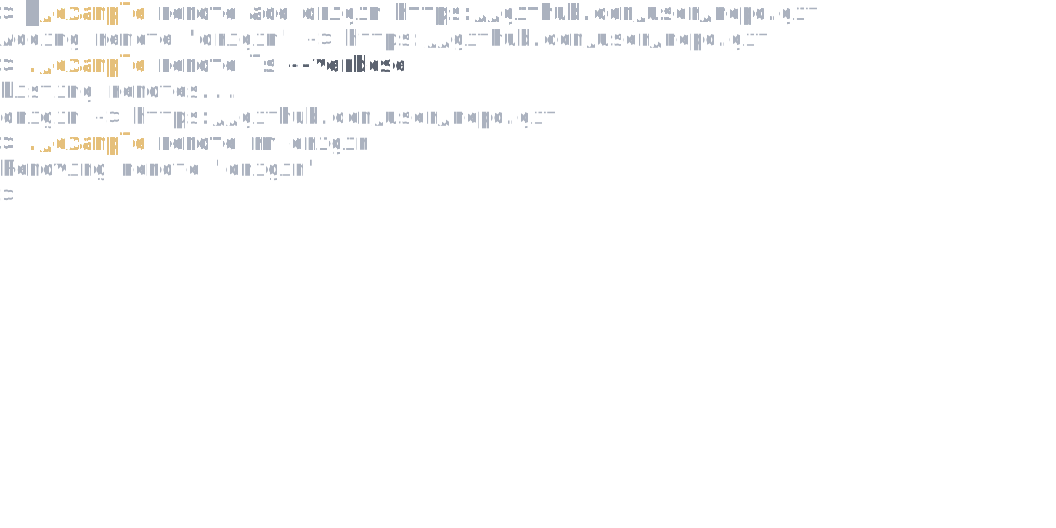
A git-style CLI with nested remote subcommands—add, remove, and list—all sharing a --verbose flag inherited from the branch:
Create a Command Branch
Use AddBranch to define a parent command with nested subcommands. Use the generic overload when you want shared settings/options for the branch:
var app = new CommandApp();

app.Configure(config =>
{
    config.SetApplicationName("myapp");

    // Create a "remote" branch with nested commands
    config.AddBranch<RemoteSettings>("remote", remote =>
    {
        remote.SetDescription("Manage remote repositories");

        remote.AddCommand<RemoteAddCommand>("add")
            .WithDescription("Add a new remote");

        remote.AddCommand<RemoteRemoveCommand>("remove")
            .WithDescription("Remove a remote")
            .WithAlias("rm");

        remote.AddCommand<RemoteListCommand>("list")
            .WithDescription("List all remotes")
            .WithAlias("ls");
    });
});

return await app.RunAsync(args);
This creates commands like myapp remote add, myapp remote remove, and myapp remote list. Running myapp remote --help shows all subcommands.
Share Options with Settings Inheritance
Define a base settings class for the branch, then inherit from it in subcommand settings:
public class RemoteSettings : CommandSettings
{
    [CommandOption("-v|--verbose")]
    [Description("Show detailed output")]
    public bool Verbose { get; init; }
}

public class RemoteAddSettings : RemoteSettings
{
    [CommandArgument(0, "<name>")]
    [Description("Name for the remote")]
    public string Name { get; init; } = string.Empty;

    [CommandArgument(1, "<url>")]
    [Description("URL of the remote repository")]
    public string Url { get; init; } = string.Empty;
}

public class RemoteListSettings : RemoteSettings
{
}
The --verbose flag is now available on all remote subcommands, and can be specified either before or after the subcommand name: myapp remote --verbose add origin https://... or myapp remote add origin https://... --verbose.
When using AddBranch<TSettings>, each subcommand's settings class must inherit from TSettings. Even if a subcommand doesn't add any extra arguments or options (like list above), create a dedicated settings type that inherits from the branch settings—this ensures the framework correctly binds shared options to all subcommands.
Nest Multiple Levels
For complex CLIs, branches can contain other branches (use the non-generic overload when you just want grouping):
config.AddBranch("cloud", cloud =>
{
    cloud.AddBranch("storage", storage =>
    {
        storage.AddCommand<UploadCommand>("upload");
        storage.AddCommand<DownloadCommand>("download");
    });
});
This creates deeply nested commands like myapp cloud storage upload.
See Also
- Configuring CommandApp and Commands - Basic command registration
- Defining Commands and Arguments - Settings class patterns